

Personal help to organize your photo library and confidently use your Apple devices
Serving VA & DC in Person • Virtually Worldwide
Posterity Pro helps individuals and families organize printed and digital photos, preserve important memories through careful digitization, and learn to confidently use their Apple devices.
Photo Services
If your photos feel scattered, overwhelming, or impossible to manage—you’re not alone. We help you bring order and meaning back to your memories.
Photo organizing services include:
-
Organizing years of digital photos
-
Sorting and organizing printed photos
-
Scanning printed photos and memorabilia
-
Photo book creation and old album reproduction
-
Preparing photo collections for sharing or legacy planning
My goal isn’t just neat folders—it’s helping you actually use and enjoy your photos again.



"Most photo frustration actually starts with technology confusion.
That’s why we don’t just organize your photos — we also teach you how to confidently use the tools behind them"
Apple Coaching
Make your devices work for you
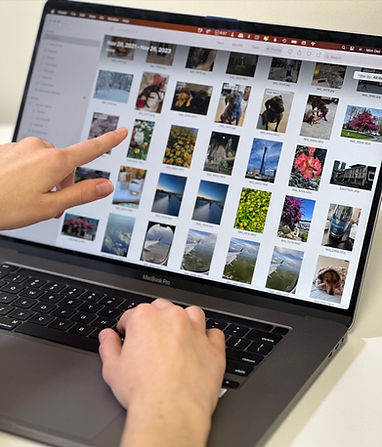
One on One Coaching
Your iPhone, iPad, and Mac can do a lot—but only if you understand how to use them. We offer coaching to help you feel confident with the technology you already own.
We customize our sessions to fit your needs. Common topics include:
-
Apple Photos, Mail, Calendar, and iCloud
-
Everyday iPhone and Mac features
-
Understanding updates and settings
-
Digital decluttering and cleanup
You’ll finally understand what your devices are doing and why — not just what to tap.
How it Works


We move at your pace with constant communication throughout the process. Whether organizing or learning, you always know what’s happening and stay comfortable and in control.

You leave knowing where things are, how they work, and what to do next — with less frustration and more peace of mind. Now you are ready to enjoy your photos!

Trusted and Featured


In the name of the Great Falls Senior Center (virtual) I want to thank you for the dynamite presentation you gave yesterday. Was so well planned, interesting, varied, etc. You seemed to be a deep well of wisdom on the subject of photographs, and had such a natural, down to earth, fun style. Thank you!!!
~Sabine H-C
In the name of the Great Falls Senior Center (virtual) I want to thank you for the dynamite presentation you gave yesterday. Was so well planned, interesting, varied, etc. And you answered so many questions so well! You seemed to be a deep well of wisdom on the subject of photographs, and had such a natural, down to earth, fun style. Thank you!!!
~Sabine H-C
Ana provided concepts comprehensively, including visuals, step-by-step instruction with screen examples, time to practice, discussions, questions, and answers.
~Melanie S.